# How to create an electron-forge project with React, Typescript and HMR

As a react developer, I've always been used to magic CLIs that scaffold projects with everything included, such as Next.js or create-react-app. I don't think I ever setup react from scratch, but there is no electron-forge template for that, so I had to dig in...

## What we want
A buildable electron project that includes :
- react
- typescript
- hot module reloading on the react part

## Getting started with the *webpack-typescript* template
electron-forge provides us a convenient `webpack-typescript` that generates a boilerplate configured with typescript and webpack support (who would have guessed ?).
Create the project using the following command :
`yarn create electron-app my-new-app --template=typescript-webpack`

Once the project has been created, enter it and run the project to ensure it works:
`cd my-new-app`
`yarn start`
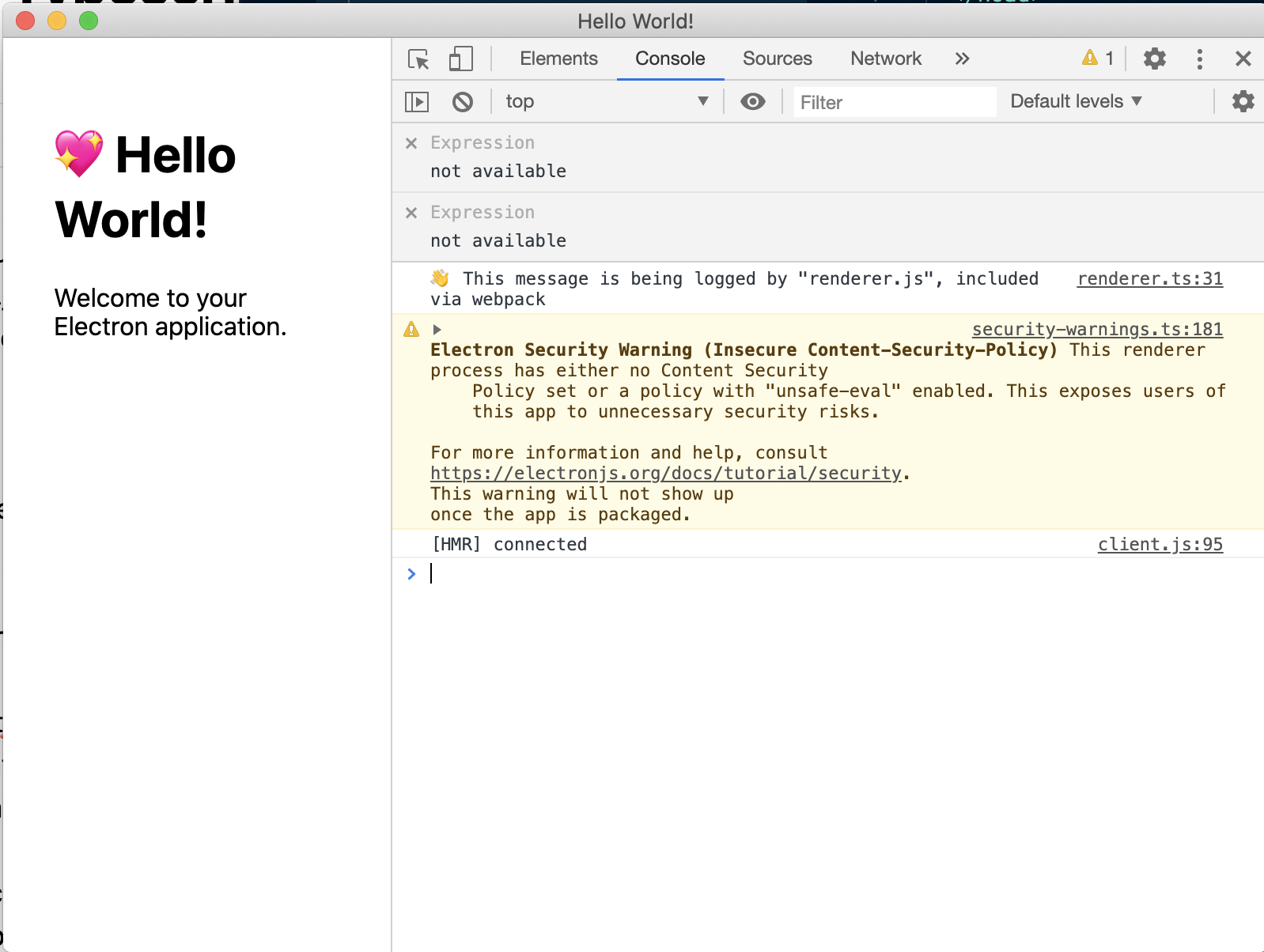
![CleanShot 2020-06-14 at 18.29.40@2x.png](https://cdn.hashnode.com/res/hashnode/image/upload/v1592152214089/4t1zFIWX7.png)
*The default app should open and display "Hello World"*

## Adding react
Now that our app opens properly, we need to add react dependencies.
In the terminal, run: `yarn add react react-dom @types/react @types/react-dom`

That done, replace the content of the body by the div that will contain the react app in `src/index.html` :

```diff
@@ -6,7 +6,6 @@
 
   </head>
   <body>
-    <h1>💖 Hello World!</h1>
-    <p>Welcome to your Electron application.</p>
+    <div id="root"></div>
   </body>
 </html>
``` 

Create a file in `src` called `App.tsx` and paste the following code into it :
```jsx
import * as React from 'react';

const App = () => <div>Hi from react !</div>;

export default App;
```

To make sure typescript understands jsx, add `"jsx": "react"` in your `tsconfig.json` file like so:


```diff
@@ -12,7 +12,8 @@
     "resolveJsonModule": true,
     "paths": {
       "*": ["node_modules/*"]
-    }
+    },
+    "jsx": "react"
   },
   "include": [
     "src/**/*"
``` 

Now we need to update the renderer to bind react to the div we created earlier.
First, rename it from `src/renderer.ts` to `src/renderer.tsx` then replace the content by the following:
```jsx
import './index.css';
import React from 'react';
import ReactDOM from 'react-dom';
import App from './App';

ReactDOM.render(<App />, document.getElementById('root'));
```

Now update the js entryPoint in `package.json` with the correct name:
```diff
@@ -52,7 +52,7 @@
               "entryPoints": [
                 {
                   "html": "./src/index.html",
-                  "js": "./src/renderer.ts",
+                  "js": "./src/renderer.tsx",
                   "name": "main_window"
                 }
               ]
```

You can now run `yarn start`. The application should open and the react app should appear !

![CleanShot 2020-06-14 at 19.10.10@2x.png](https://cdn.hashnode.com/res/hashnode/image/upload/v1592154622689/C8aAI3vSJ.png)

However, if you try to change some code in the App.tsx, the changes won't appear on your App. We need to manually install a module to hot reload changes.

## Adding hot-reload

We're almost there ! Run `yarn add react-hot-loader`, then head over `srx/App.tsx` and add the following lines:
```diff
@@ -1,5 +1,6 @@
+import { hot } from 'react-hot-loader';
 import * as React from 'react';
 
 const App = () => <div>Hi from react!</div>;
 
-export default App;
\ No newline at end of file
+export default hot(module)(App);
\ No newline at end of file
```

Now, we need to configure babel to use the `react-hot-loader` package that will enable hot reloading by creating a `.babelrc` file at the root of the repository and putting only one line into it : 
```
#.babelrc
{ "plugins": ["react-hot-loader/babel"] }
```

Finally, run `yarn start`, change the message, hit save and it should work !


![CleanShot 2020-06-14 at 19.30.39.gif](https://cdn.hashnode.com/res/hashnode/image/upload/v1592155896926/p-4gk6I1l.gif)

Hope it helps !
